

Built-In ID-Based Displays
Lorwolf uses unique ID numbers to reference all items, wolves, and users.
These IDs can be referenced directly in posts/bios/signatures/etc instead of requiring official "coding".
To use this table:
- Type what you see in the "Typed" column in the main Text View (NOT the Code View)
- Remove any spaces and replace the example ID/Username with the desired ID/Username.
- While typing/editing, you will see what is displayed in "Typed". When you submit/publish the post, you will see what is shown in "Displayed"
| Typed |
Displayed | |
Items |
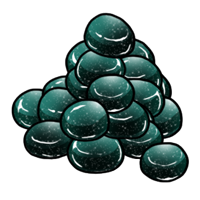
{Item( 224 )} |
Purple Dye
Material
Want to turn some stuff purple?
Sells for 15
|
Wolves |
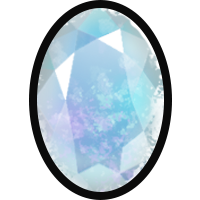
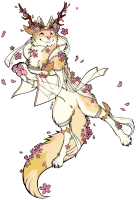
{Wolf( 52474 )} |
|
Users |
@ lalierre or @ 6624 |
Note: Please see the Linking section for linking a displayed wolf back to the wolf's page.
Note: Please see the Inspect Element "Hacks" Section to learn how to find an item's ID.
Note: When tagging users via ID#, the Username displays instead once you submit your post. Double-check that you have the right ID, since it won't display the username until the post is submitted and the user is tagged!
Custom Apparel
Every piece of Custom Apparel does have a unique Custom Apparel ID, but there does not appear to be an integrated code to readily display the pink CA item image. If anyone discovers one or one is added in the future, please feel free to let me know and I will update this guide!
Linking
General Links, Lorwolf Links, Linking to Own Profile, Linking Images, Linking to Forum Posts (Replies)
Font Formatting
Size, Color, Justify
Content Formatting
Dropdown Menus, Columns
Inspect Element "Hacks"
Asset IDs and Links, Mass Inventory Selling
Miscellaneous
Buttons and such, Known Bugs/Workarounds
References
Many thanks to those who came before! Here are some forum guides I used to build my basic knowledge -- warning, some are outdated/broken:
HTML Guide: Enhancing your post
Useful Tools:
Lorwolf Image Assets [IMG Heavy]
Othenia Public Library (Guide/Resource Index)
lalierre